Put your files in boxes. A Windows desktop organizer · try it first — then it's just 4 MB, no install needed.
Click to switch the wallpaper — the desktop app supports video wallpapers
Boxes can be dragged — move the cursor to the top or left edge to reveal both bars
QiaoDesktop
Signature
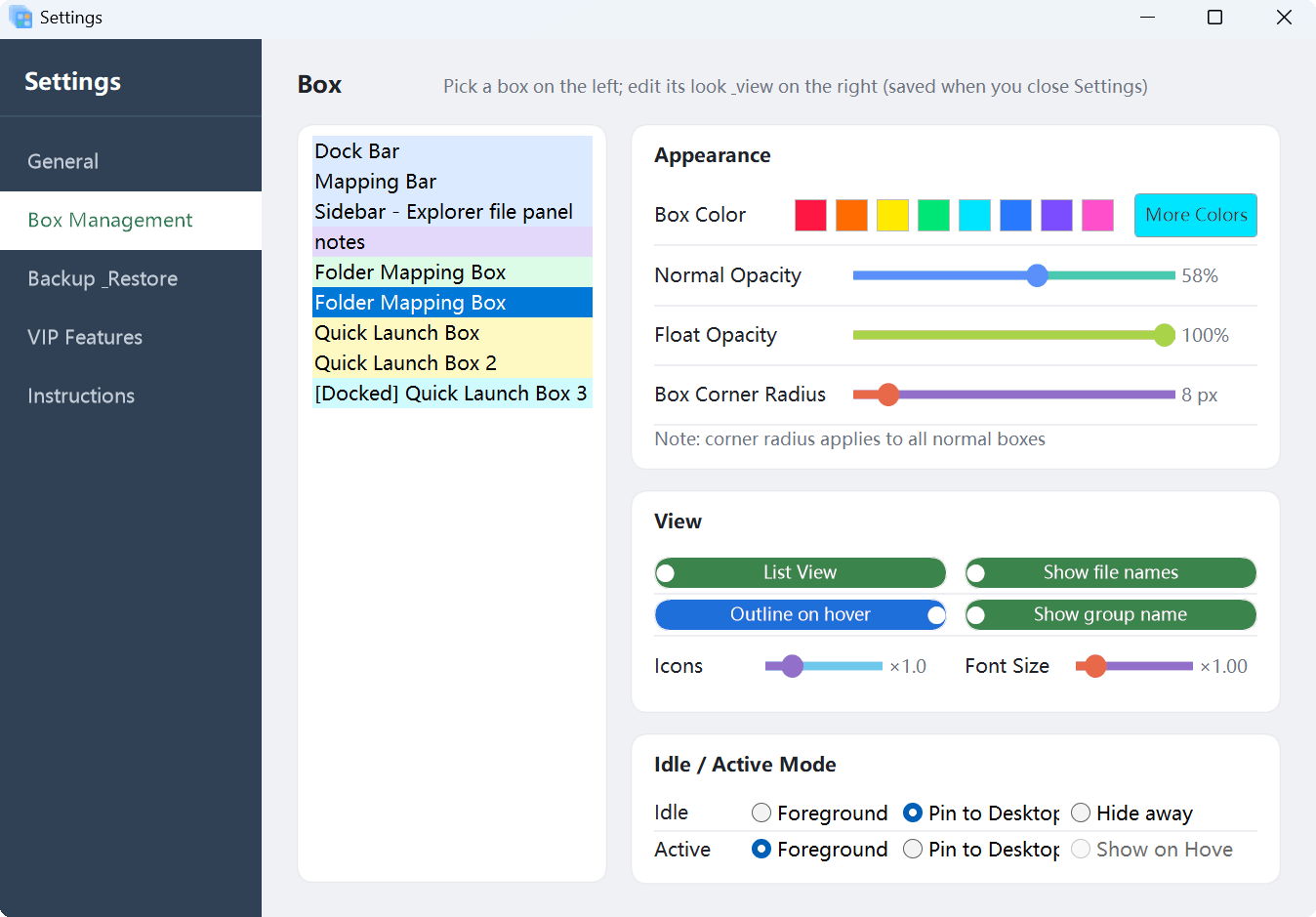
Idle / Active: boxes surface while you work, step back when you don't
Every box carries two states — the idle state decides where it goes when unused, the active state decides how it appears when summoned.
Idle state (when unused)
ForegroundAlways on top, visible while you work
Pin to DesktopStays on the desktop layer, never steals top
Hide awayTucked away when idle, desktop stays clean
Active state (when summoned)
ForegroundOn top the moment it is summoned
Pin to DesktopStays on the desktop layer
Show on HoverAppears as the cursor nears, gone after use
Note: bars and docked boxes inherit constraints from their parent bar, so a few options are skipped automatically — the same rules as in Settings.
Features
Everything desktop tidying needs, right where you already are
Boxes, mapping, idle/active modes, wallpapers, hotkeys — all the essentials, layered on the native desktop.
Boxes
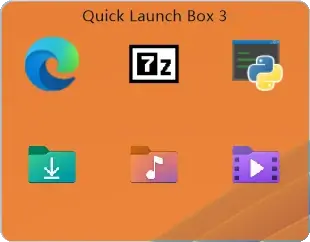
Gather scattered files and shortcuts into resizable, draggable boxes you can sort and rename — everyday items at a glance.
Folder Mapping
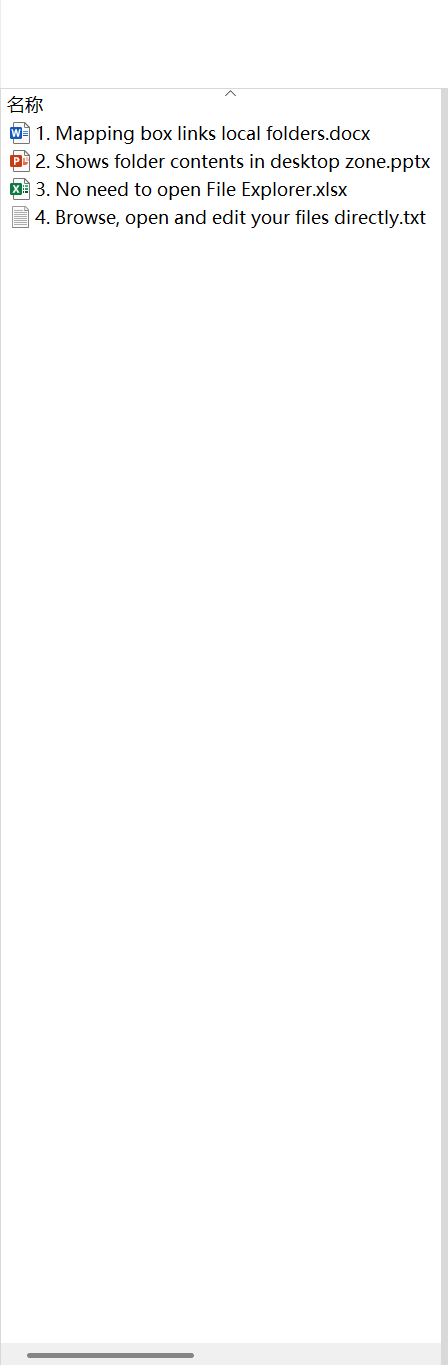
Project any folder onto the desktop and manage it without moving a single file — the original folder stays exactly as it is.
Idle / Active Modes
The idle state sets where boxes go when unused; the active state sets how they appear when summoned. Mix both into the behaviour you like.
Wallpaper Switch
Images and video wallpapers, one click to switch. VIP adds automatic rotation on a timer, so the desktop is always fresh.
Edge Hot Zones & Hotkeys
Win+` toggles boxes — hold to keep them up, release to send them back. Push the cursor to the screen edge and the hot zone brings them out without breaking your flow.
Dock Bars
The Mapping Bar and Dock Bar live at the screen edges without taking room from your work; docked boxes follow their parent box in and out.
Dual-mode File Panel
A self-drawn panel or an embedded File Explorer view — list and icon layouts, drag in and out, native file operations included.
Lightweight & Private
Runs entirely on your machine and never uploads your files. Settings and layouts can be backed up, migrated and restored.
Custom Appearance
Tune box corner radius, opacity and colours, and switch between light and dark to blend into your system.
VIP
Unlock advanced features
Basic tidying is free forever. Advanced features are VIP.
Feature
Free
VIP
Basic tidying · free forever10
BoxesCreate, drag, sort, rename and resize; everyday items in view
Folder MappingProject any folder to the desktop; originals untouched
Idle / Active ModesTwo dimensions: foreground, pin to desktop, hide, show on hover
Dock BarsMapping Bar and Dock Bar stay at the screen edges
Dual-mode File PanelSelf-drawn or embedded Explorer, list or icon view
Wallpaper SwitchImages and video wallpapers, one click
Hotkey ToggleWin+` to sink or summon; hold to keep, release to return
AppearanceCorner radius, opacity and colours; light and dark themes
Backup & RestoreFull backup, migration and restore of settings and layouts
Local FirstRuns locally; nothing is uploaded
Advanced · VIP only5
Super EdgesTop and left edge hot zones, with separate single and double click actions
—
Auto Wallpaper RotationRotate a wallpaper folder on an interval for a fresh desktop every time
—
Instant Auto-SinkAuto-sink delay down to 300 ms — the desktop clears on cue
—
Ctrl Temporary UnlockHold Ctrl to edit a locked box without unlocking it first
—
Keeps EvolvingNew advanced perks keep arriving over time
—
15-day full-feature trial: every VIP feature is open during the trial; afterwards only advanced features lock·basic tidying stays free forever
Try QiaoDesktop
Download and go — 15-day full-feature trial, basic tidying free forever.